
I want to learn something.
Browse course listings and read what each creator offers. When one fits your goals, contact the seller to ask about buying and access.
Get started →WELCOME TO LYNKTIK
You have something to say. Something to teach. Something worth putting into the world. Lynktik brings your posts, course listings, digital offers, and communities into one creative space so you can spend more time making things happen.
For creators, independent experts, and the “I’m finally starting” crowd.

START WITH WHAT IS ON YOUR MIND
Share a little about your idea and who it’s for. Then turn the first draft into a post you actually want your name on.
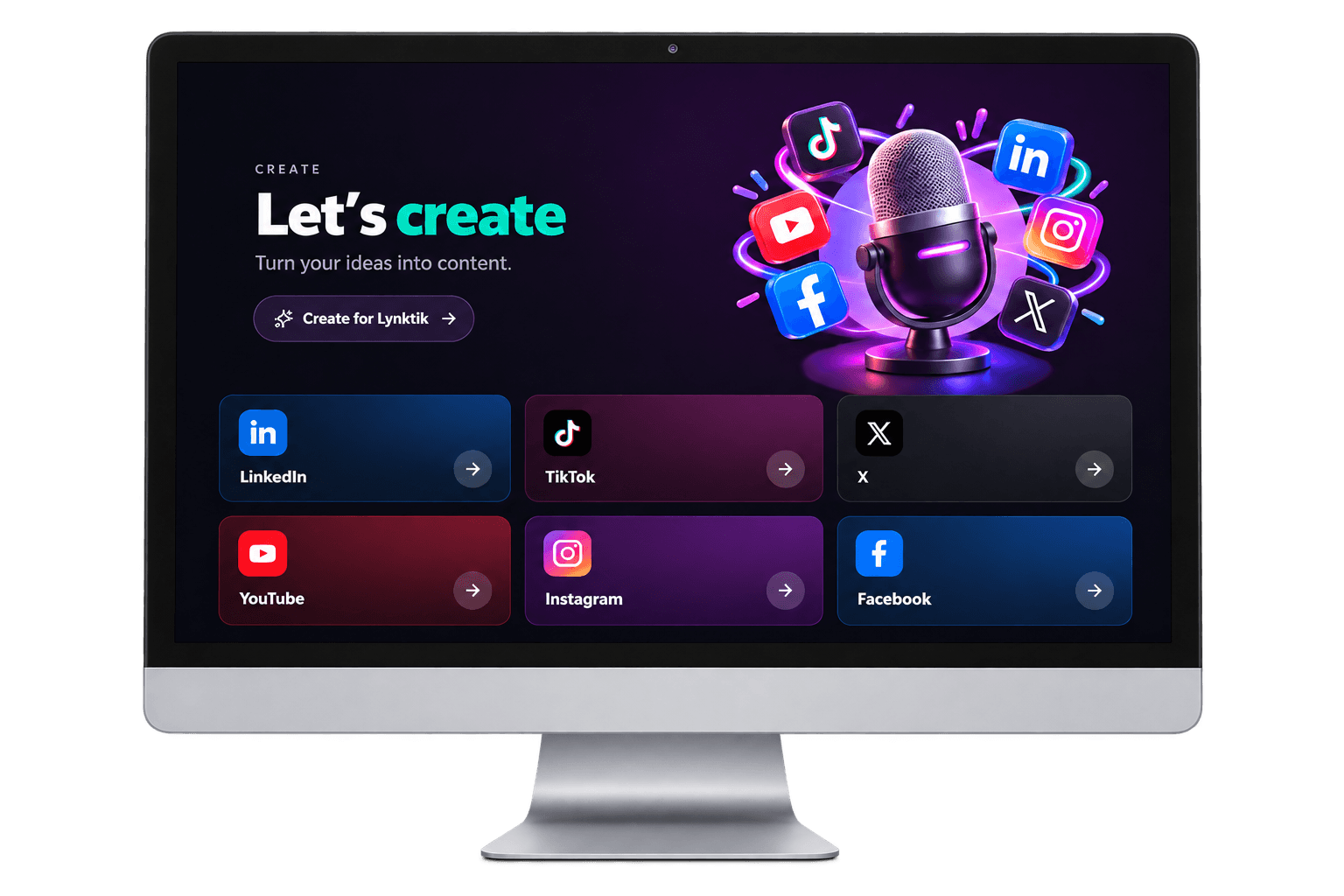
Choose a platform to preview how the approach changes.
YOUR LINKEDIN GUIDE
Lead with a useful insight, add a real example, and invite a thoughtful response.
Get started →Pick a format to give your next idea some structure.
A SIMPLE PLACE TO BEGIN
Choose one result you can help someone achieve. Break the journey into a few focused lessons, then add an exercise they can try.
From your first rough thought to the thing you’re ready to sell, bring the different parts of your creative work together.
Browse course listings and read what each creator offers. When one fits your goals, contact the seller to ask about buying and access.
Get started →Set up your profile, then list a course you already offer or put a digital product in the marketplace. Explain your offer clearly so interested people know what to expect.
Get started →After signing in, search approved communities by name, category, or topic. Open one that interests you and see how to join the conversation.
Get started →See what Lynktik offers on this page and compare the plans below.
Sign up to browse courses and communities. Lynktik asks about your goals and suggests relevant setup steps.
Set up your profile, then find a community, list an existing course, or share a product.
FOR LEARNERS
After signing in, search course listings from creators and read the description, price, and seller details. Compare what each listing says you’ll receive, then contact the seller directly to ask about purchasing and access.
Get started →
FOR COURSE CREATORS
Give your existing course a listing where signed-in people can understand the offer and contact you. Write who it’s for, what it covers, and what buyers receive.
You arrange the purchase and course access directly with the learner. A listing helps explain your course; it doesn’t host lessons or guarantee sales.
Get started →COMMUNITIES
After signing in, search approved communities by topic or category, read what each group is about, and join one that feels right. Members can take part in community conversations.
Whether you’re learning a creative skill or building a project, you don’t need to arrive with all the answers. Start with something you’re curious about.
Get started →
Find your words, show up in your own way, put your skills to work, and find your people.
Have a download, creative asset, or online service to offer? Make a marketplace listing with a description, image, and price so interested people can contact you.
Get started →Need a starting point for a post? Open a focused workspace to draft ideas, hooks, or content, then review what you’ve written.
Get started →With Pro, save drafts and organize content by channel. Check plan details and open the publishing workspace when you’re ready to plan posts.
Get started →Give people a place to learn who you are and what you make. Set up your profile after signing in.
Get started →Start exploring, give your content a voice of its own, or bring your business and publishing plans together.
Start creating
$0 forever
Grow your first storefront
$5 USD / month
For active creators
$25 USD / month
For professional creators
$50 USD / month
You can explore this welcome page and pricing before signing up. Sign in to browse courses, communities, and dashboard features.
Current listings describe courses creators already offer. Contact the seller to ask how to buy and access their course.
Create an account and list a course you already offer. Add its description, business email, image, and price. Interested learners contact you directly about purchasing.
After signing in, browse approved communities or search by name, category, or description. Open one to learn what it’s about and how to join.
Compare the plans and included features in the pricing section above before choosing one.